Download & Test
Get Hagah on your Android device
Download the latest APK and install it directly. iOS support is on the way.
How to install on Android
1
Download the APK
Tap the Download button above. The hagah-latest.apk file will be saved to your device.
2
Allow unknown sources
Open Settings > Security (or Apps) and enable "Install unknown apps" for your browser or file manager.
3
Open the file
Tap the downloaded hagah-latest.apk in your notifications or Files app to begin installing.
4
Install and open
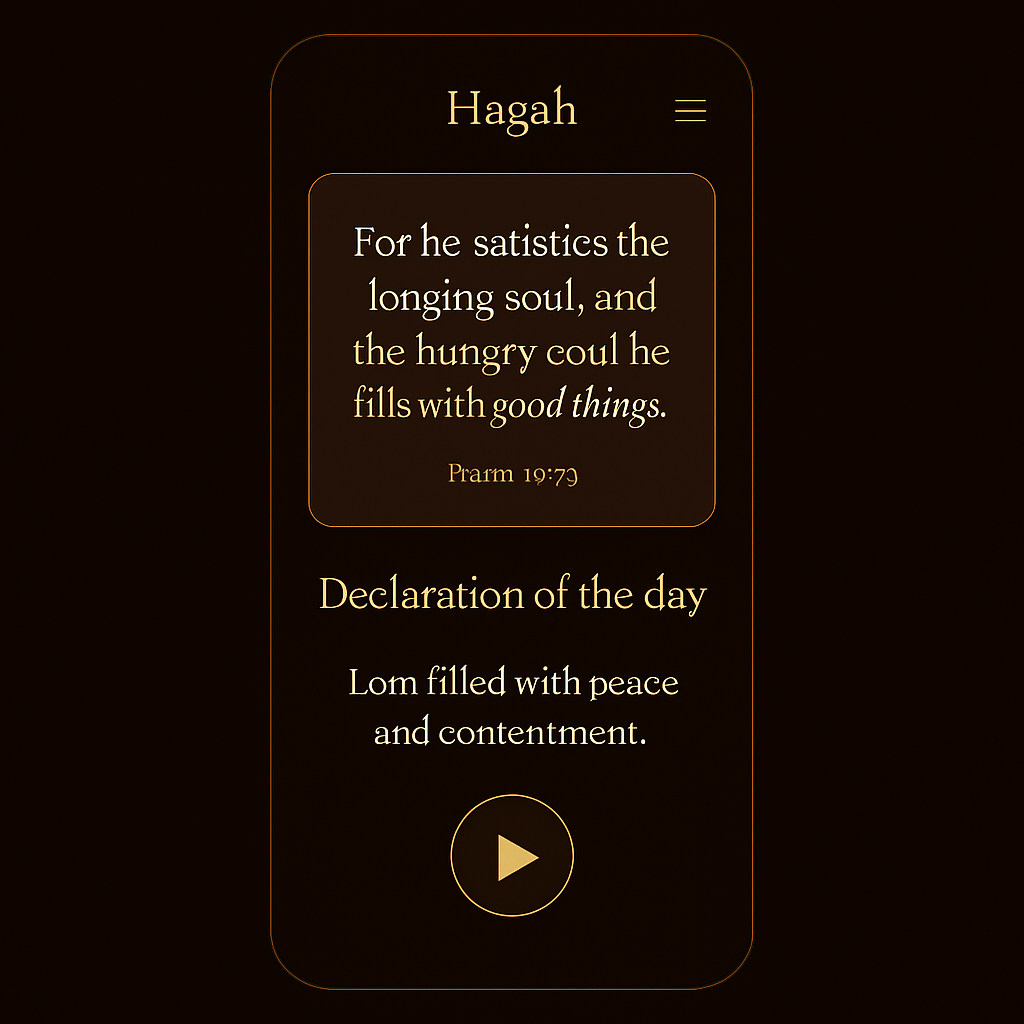
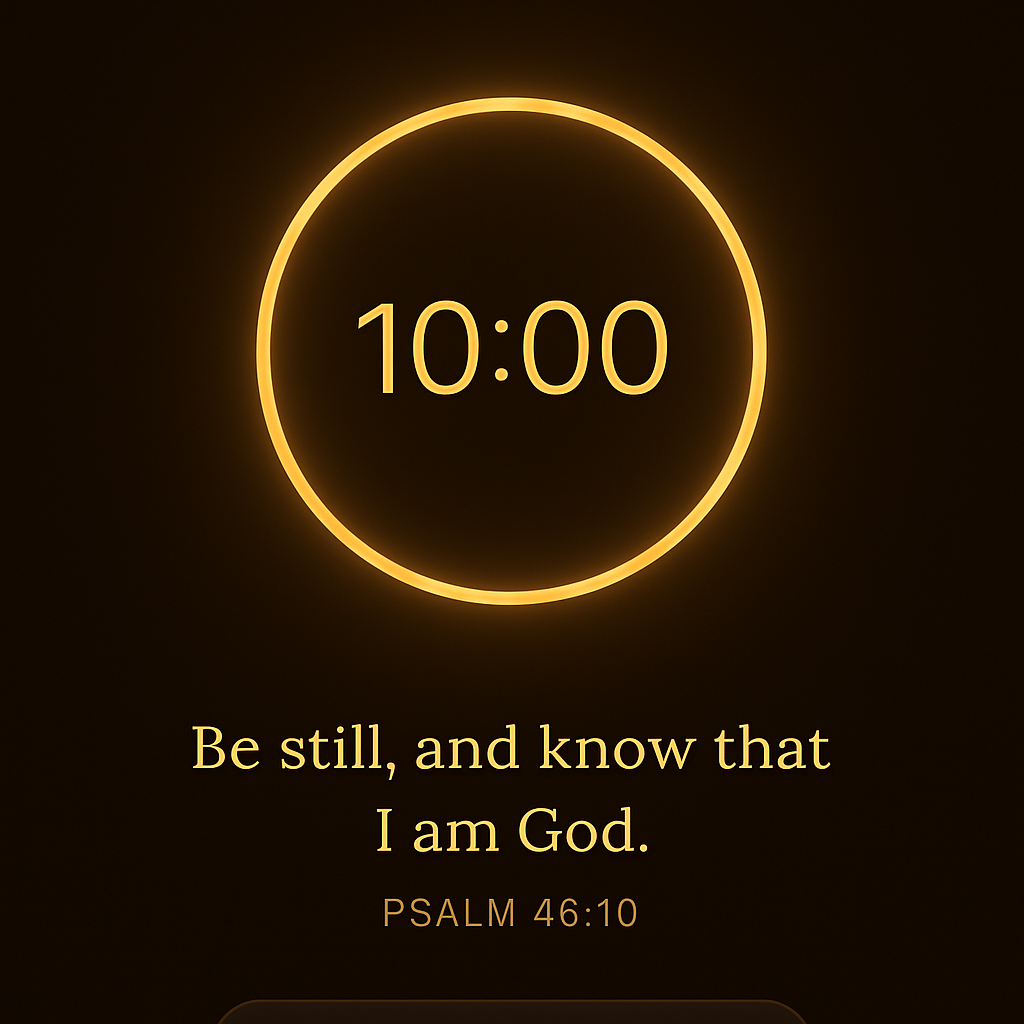
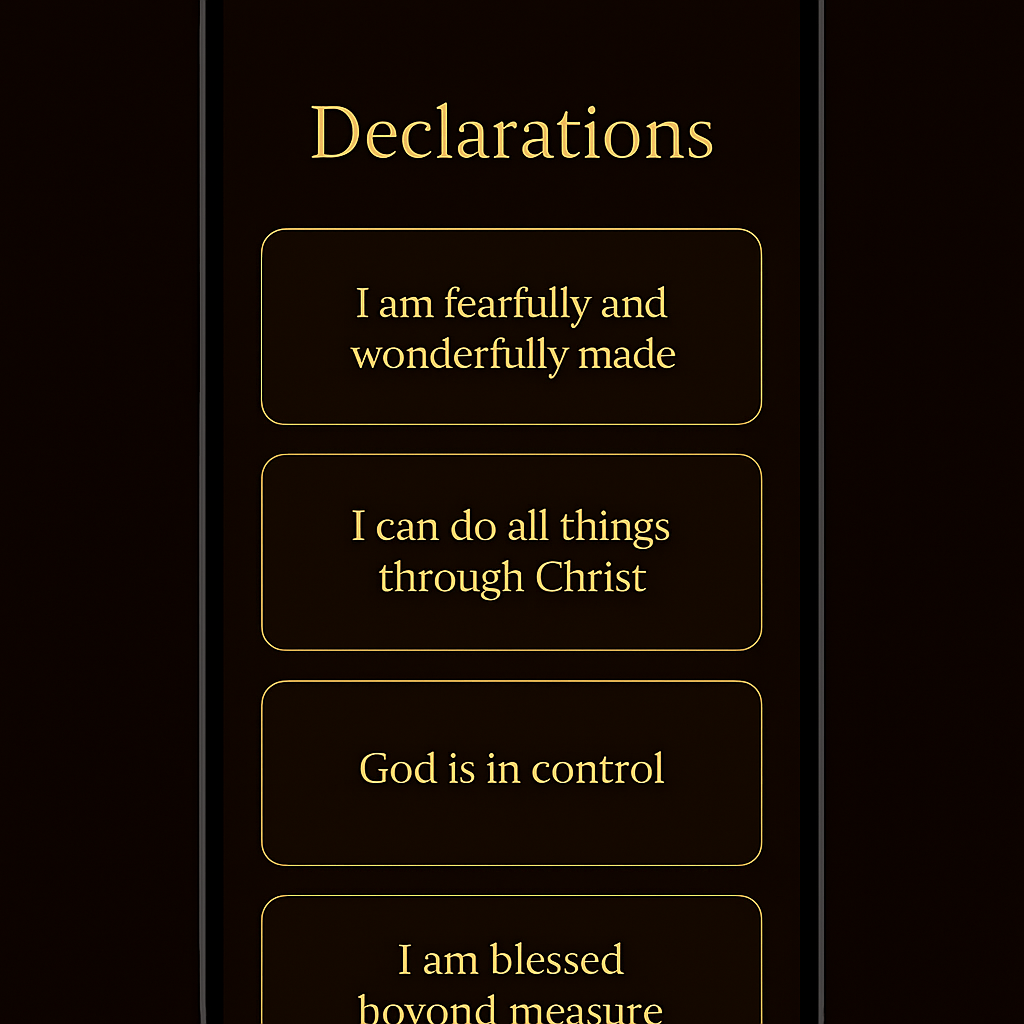
Confirm the install, then open Hagah and start meditating on the Word of God.
Installing an APK from outside the Play Store is safe when it comes from a source you trust. You can disable "unknown sources" again after installing.
A look inside